DJ controllers
All-in-one DJ controllers explained, from small two-deck units to standalone systems with built-in screens, and how to choose one.
What a controller does
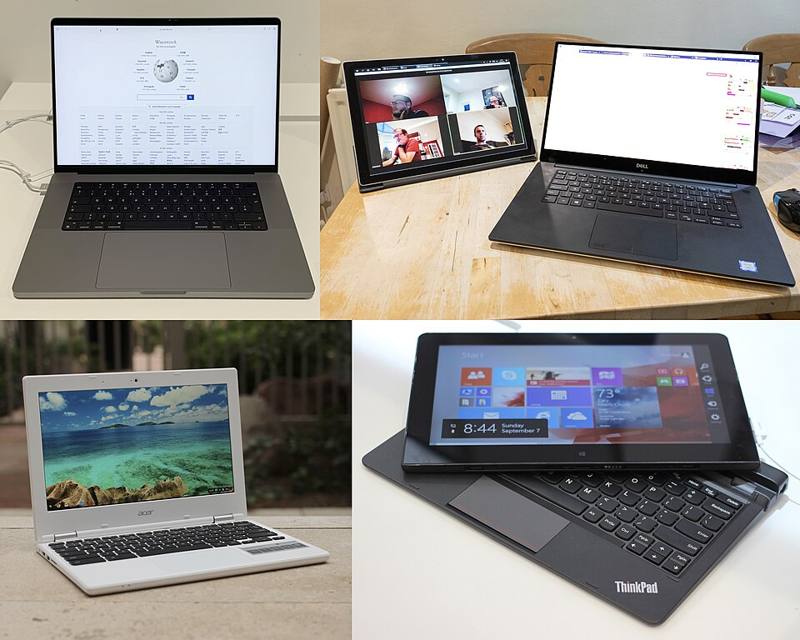
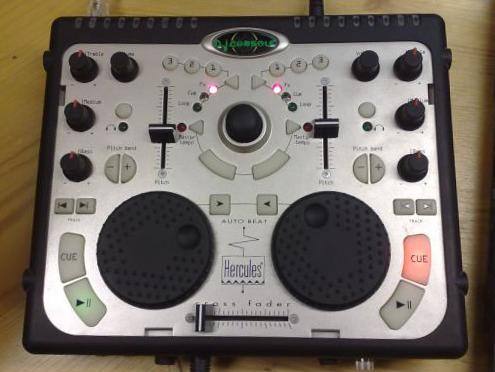
A DJ controller is a single unit that combines two or more decks and a mixer in one body. Most controllers do not play music on their own. They send control messages to DJ software on a laptop, tablet or phone, which does the actual audio work. The controller gives you physical jog wheels, faders, knobs and pads so you are not mixing with a mouse.
Controllers are the most common way people learn to DJ today because they are affordable, portable and come with everything in one box.
Types of controllers
- Laptop controllers. Need a computer running DJ software. Usually include a built-in sound card with a master output and a headphone output.
- Standalone units. Have their own screens and processors, so they play music from USB sticks or streaming without a laptop. They cost more but behave like a small club setup.
- Compact and portable controllers. Small units for practice, travel or mobile use. Some skip jog wheels or have tiny ones.
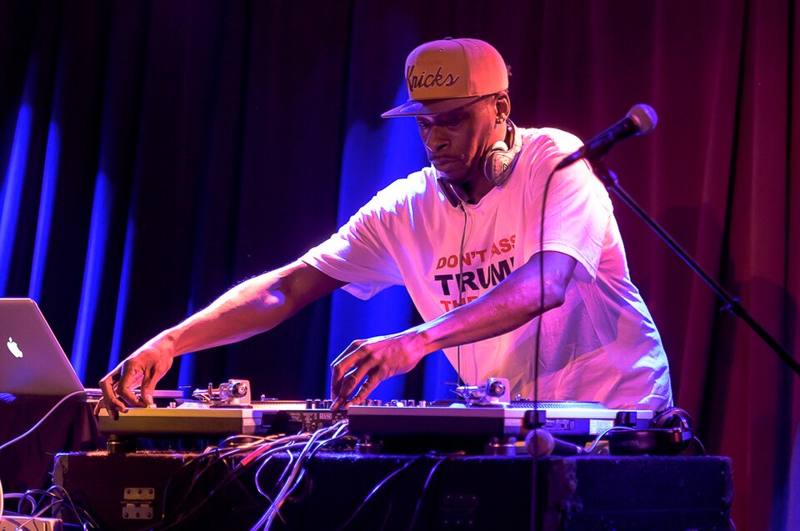
- Modular controllers. Separate units for specific jobs, such as pad grids or effect units, often added to a turntable or media player setup.
Features to understand
| Feature | What it does | Beginner priority |
|---|---|---|
| Jog wheels | Nudge, scratch and search | High, larger is easier |
| Channel faders and EQ | Blend and shape tracks | High |
| Crossfader | Fast cuts between decks | Medium, essential for scratching |
| Performance pads | Hot cues, loops, samples, rolls | High |
| Filter knobs | Sweep the sound for smooth transitions | High |
| Built-in sound card | Separate master and headphone outputs | Essential |
| Booth output | Separate feed for monitor speakers | Useful when playing out |
| Mic input | Announcements at parties | Useful for mobile DJs |
| Two vs four decks | Number of tracks you control at once | Two is plenty to learn |
Which software comes with it
Most controllers are designed for one main software platform and include a license or free version. Some support two or more apps. Before buying, check which software it works with, whether you need a paid upgrade for full features, and whether that app runs on your computer. Our DJ software guide compares the main options neutrally.
How to choose
- Budget first. A two-channel controller from a well-known brand is enough to learn every core skill in this hub.
- Layout second. If you want to play clubs later, choose a controller whose layout copies a standard club setup: two decks with large jogs and a mixer in the middle.
- Build and size. Make sure it fits your desk and bag. A controller you can set up in two minutes gets used more.
- Outputs. RCA outputs are fine at home. XLR or quarter-inch balanced outputs are better for PA systems.
- Upgrade path. Some controllers can later become DVS hubs for turntables, or be replaced by standalone players while you keep the same software library.
Do not chase features. Pads, sync and effects are fun, but the skills that make you sound good are beatmatching, phrasing and EQ mixing. Any decent controller can teach you those.
Common beginner problems
- No sound in headphones. Check the cue buttons on each channel and the headphone volume knob, and make sure the software is using the controller as its audio device.
- Audio crackles. Raise the software's buffer size, close other apps and plug the controller directly into the computer instead of a USB hub.
- Jogs feel wrong. Look for jog sensitivity settings in the software preferences.
Ready to buy? See budget starter setups.