DJ mixers
What every knob and fader on a DJ mixer does, the difference between scratch, club and rotary mixers, and how to set gain so you never distort.
The mixer's job
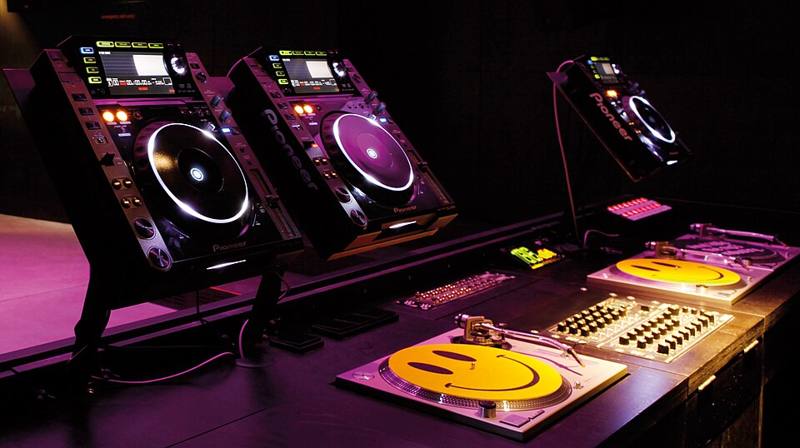
The mixer is the heart of a DJ setup. Every deck plugs into its own channel, and the mixer lets you control how loud each one is, shape its tone, hear it in your headphones before the crowd does, and send the final blend to the speakers.
Early disco DJs used mixers built for other purposes. In 1971 the sound engineer Alex Rosner built a custom mixer for the club DJ Francis Grasso, and dedicated DJ mixers from companies such as Bozak followed in the early 1970s. Since then the layout has become remarkably standard.
A channel strip from top to bottom
- Input selector. Chooses phono (turntable), line (media player) or USB/digital sources.
- Trim or gain. Sets how hot the signal enters the channel. This is the most important knob for sound quality.
- EQ. Usually three bands: high, mid and low. Some mixers have four bands. See EQ mixing.
- Filter. A single knob that sweeps a low-pass filter one way and a high-pass filter the other.
- Cue button. Sends that channel to your headphones.
- Channel meter. Shows the level of that channel.
- Channel fader. The volume slider you use for most blends.
At the bottom sits the crossfader, which fades between channels assigned to its left and right sides. On the master section you find the master level, booth level, headphone level and a cue/mix knob that blends what you hear in your headphones between the cued channel and the master output.
Gain staging without the jargon
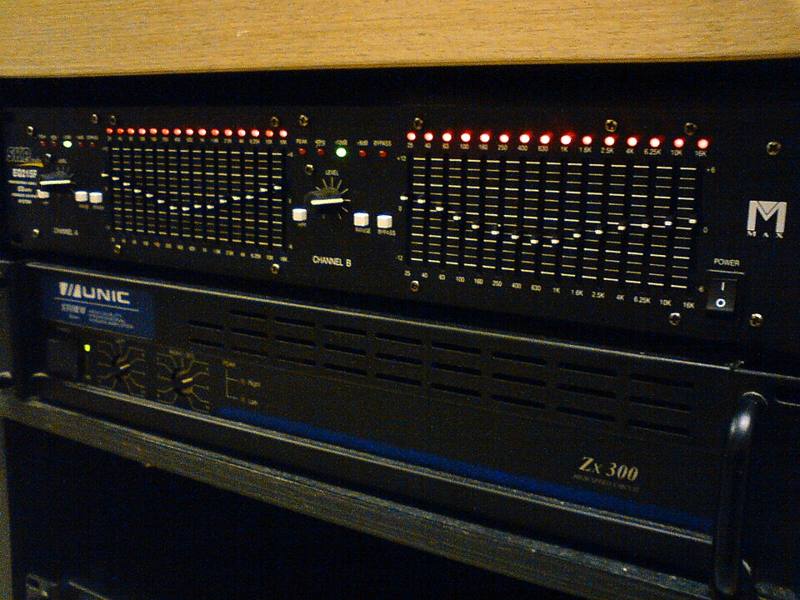
Set each channel's gain so the loudest part of the track peaks around the 0 dB mark on the channel meter, never in the red. Then use the master knob to keep the master meter in the green to low orange. If the master meter keeps hitting red, the sound system is being fed a distorted signal, which sounds harsh and can damage speakers.
Match tracks with the gain knob, not the fader. Keep faders fully up for the playing track, and use gain to make both tracks sit at the same level on the meters.
Types of mixers
| Type | Channels | Main strength | Typical users |
|---|---|---|---|
| Battle or scratch mixer | 2 | Light, sharp crossfader with adjustable curve | Scratch and hip hop DJs |
| Club mixer | 4 | Full EQs, effects, filters, many inputs | Club and festival DJs |
| Rotary mixer | 2 to 6 | Rotary knobs instead of faders, smooth long blends | House, disco and selector-style DJs |
| Mixer with built-in sound card | 2 to 4 | Works directly with DJ software and DVS | Hybrid DJs |
| Small analog mixer | 2 | Simple, cheap, robust | Home practice |
Crossfader curve and hamster switch
A crossfader curve control changes how quickly sound comes in as you move the fader. A sharp curve cuts the sound in almost immediately, which is what scratch DJs want. A smooth curve gives a gradual blend. A hamster switch reverses the crossfader direction, a preference that some scratch DJs learned on and kept.
Effects and send/return
Club mixers often include beat-synced effects such as echo, delay, reverb, flanger and roll. A send/return loop lets you add an external effects unit. Effects are seasoning: a delay tail at the end of a phrase can sound great, while effects on every transition get tiring.
Connecting a mixer
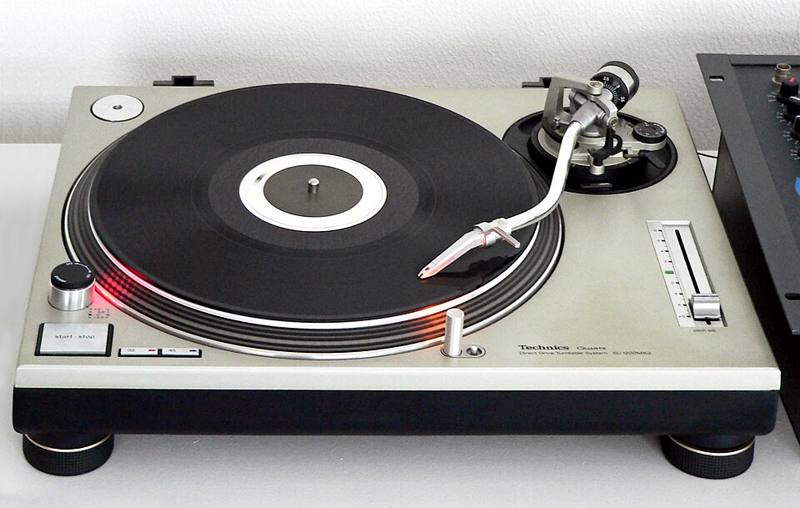
- Turntables go into phono inputs and connect the ground wire.
- Media players go into line inputs.
- The master output goes to the PA or speakers, ideally using balanced XLR cables.
- The booth output goes to monitor speakers near the DJ.
- Headphones plug into the front panel. See DJ headphones.
Keep the booth level sensible. The louder the booth, the harder it is to hear detail, and the more you risk your hearing. Our hearing protection guide explains the numbers.